Walgreens Gift Cards $500 | Redeem Online or In-Store for Health & Photo
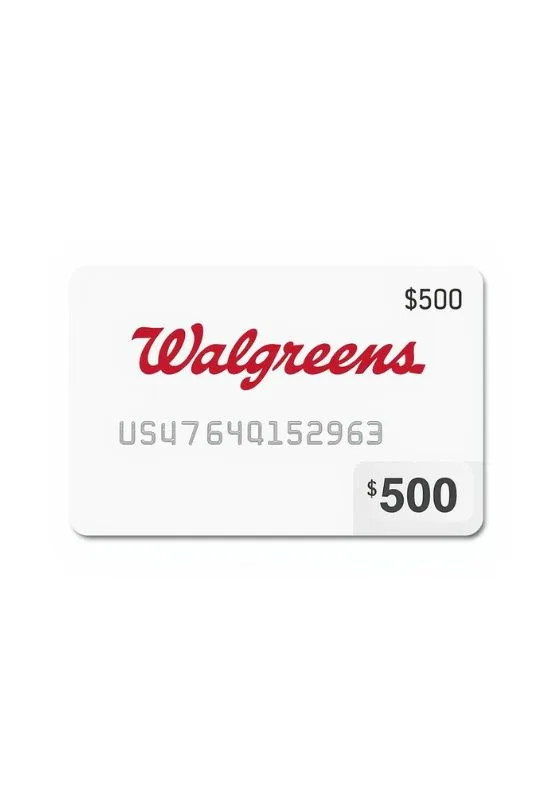
How To Redeem Walgreens Gift Cards $500?
For online purchases, you will need the full card number and the CVV/PIN.
Shop & Checkout: Add your items to your cart on Walgreens.com or the mobile app and proceed to the checkout screen.
Select Payment: On the payment page, select the option to “Use Walgreens Gift Card.”
Enter Card Details:
Enter the full Walgreens Card Number (often 19 digits).
Enter the 3-digit CVV (Card Verification Value) or the 4-digit PIN.
These codes are typically found on the back of the physical card or included in the e-gift card email.
Apply Amount: Enter the amount you wish to apply to your purchase (up to $500).
Finalize: The $500 will be deducted from your order total. If your total is higher, you’ll need to pay the remaining balance with another method (e.g., credit card).
In-Store Redemption
This process works at any Walgreens or Duane Reade register (including the pharmacy and photo kiosks).
Shop & Checkout: Gather your items and proceed to the register.
Present Card:
Physical Card: Hand the gift card to the cashier for them to swipe or scan.
e-Gift Card (Mobile): Display the barcode, gift card number, and associated PIN on your mobile device (or a printout). The cashier will scan the barcode to apply the balance.
Complete Transaction: The $500 balance will be applied to your purchase total.
Important Notes:
No Expiration or Fees: Walgreens Gift Cards do not expire and do not have dormancy fees.
Balance Check: You can check the remaining balance on your card online at the dedicated Walgreens Retail Card website or by calling the number on the back of your card (usually 1-833-522-2487).
Exclusions: Gift cards typically cannot be used to purchase other gift cards (including third-party, prepaid open loop, or banking products).