$100 Visa Gift Cards Online Purchase | Instant Digital Delivery & Global Use
How To Use $100 Visa Gift Cards Online Purchase?
1. Activate and Register the Card (Crucial for Online Use)
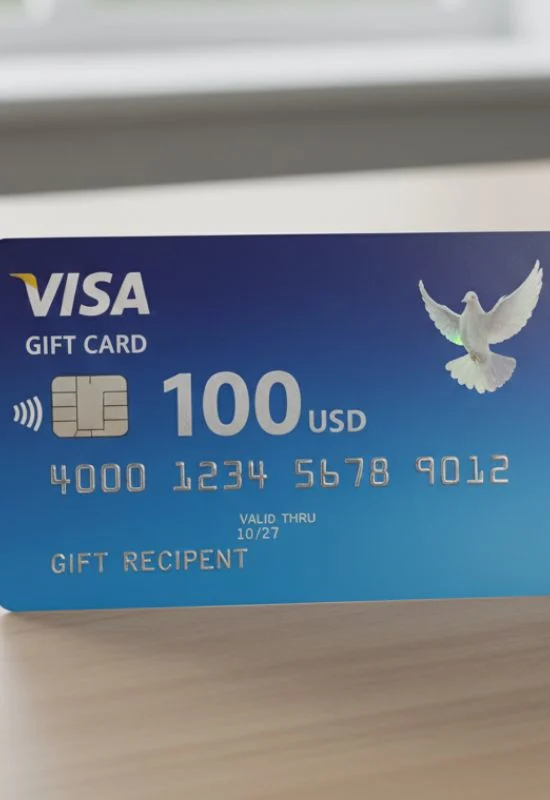
While many Visa Gift Cards are activated at purchase, to use them online, you typically need to register a billing address with the card issuer. This prevents transaction declines, as most online stores verify the billing address.
Find the Issuer Information: Look on the back of the card, the sticker on the front, or the packaging for a website address and/or a toll-free phone number.
Go to the Website: Visit the official card issuer’s website (e.g., Vanilla Visa, MetaBank, etc.).
Activate/Register: Follow the prompts to Activate or Register your card. You will need to enter:
The 16-Digit Card Number
The Expiration Date
The 3-Digit CVV Code (on the back)
Your Name and Billing Address (ZIP/Postal Code). This address is the one you must use at checkout.
2. Check Your Balance
Always confirm the exact remaining balance ($100 or less) using the same website or phone number from Step 1. Knowing the exact balance is critical for the next step.
3. Make Your Online Purchase
Shop: Add items to your cart on any online store that accepts Visa.
Checkout: Proceed to the payment screen.
Select Payment: Choose Credit Card or Debit Card as the payment type. Do NOT select “Gift Card.”
Enter Details: Enter the $100 Visa Gift Card details:
16-Digit Card Number
Expiration Date
3-Digit CVV
Cardholder Name: If the card doesn’t have your name, enter “Gift Card” or the name you used during the registration step.
Enter Billing Address: Crucially, enter the exact billing address (including the ZIP code) that you registered with the card issuer in Step 1.
4. Handling Payments Over $100 (Split Payments)
If your purchase total is, for example, $120, you must use the $100 Gift Card first:
Split Payment: Many online merchants allow you to split the payment between two methods. You would apply the exact $100.00 from the gift card first, and then pay the remaining $20 with a separate credit card or payment method.
Retailer Specific: If the retailer does not allow split payments, the transaction will be declined because the $120 total exceeds the $100 balance. In this case, you may need to buy a $100 eGift Card from that retailer using your Visa Gift Card, and then use the eGift Card for your larger purchase.