$100 Visa Gift Cards Online | Register, and Use Anywhere Visa is Accepted
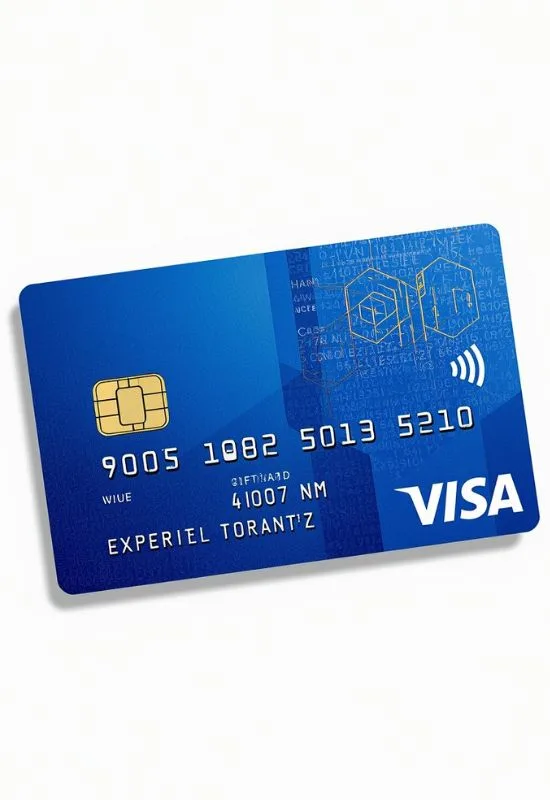
How To Use $100 Visa Gift Cards Online?
1. Activate and Register Your Card
Before using it online, you should complete these two crucial steps:
Activate the Card: Many Visa gift cards are activated automatically upon purchase, but some require you to call a toll-free number or visit a website printed on the card or its packaging. Look for a sticker or instructions.
Register a Billing Address: This is the most important step for online use. Many online retailers use address verification services (AVS), and without a registered billing address, your card will likely be declined.
Go to the card issuer’s website (the URL is usually on the back of the card or packaging).
Enter your card details (16-digit number, expiration date, and CVV/security code).
Register your name and a billing address. This address must match the address you enter during the online checkout process.
2. Check Your Balance
Always know your exact available balance. If your purchase total (including shipping and taxes) is more than the balance on the card, the transaction will often be declined, as most merchants cannot automatically split payments between two cards.
Check your balance by calling the toll-free number or visiting the website listed on the card.
3. Make Your Online Purchase
Once activated and registered, you’re ready to shop:
Shop as Normal: Add the items you want to your cart on any website that accepts Visa.
Proceed to Checkout: When you reach the payment page, select “Credit Card” or “Debit Card” as your payment method (Visa gift cards are processed like these).
Enter Card Details:
16-digit card number.
Expiration date.
CVV/Security Code (3 digits on the back).
Cardholder Name: Use your name, or sometimes you can enter “Gift Card Holder.“
Billing Address: Crucially, enter the exact billing address you registered with the card issuer in Step 1.
Complete Purchase: If the total is less than or equal to the $100 balance, the transaction should be approved.
Tip for Purchases Over $100:
If your purchase is slightly over $100, you can try this method if the retailer allows it:
Load an eGift Card: Go to the retailer’s site and use the Visa gift card to buy one of their store-specific eGift cards for the exact amount left on the Visa card (e.g., if you have $95 left and your purchase is $120, buy a $95 eGift card).
Split the Payment: Use the retailer’s eGift card for the portion covered, and pay the remaining balance with a personal credit/debit card.