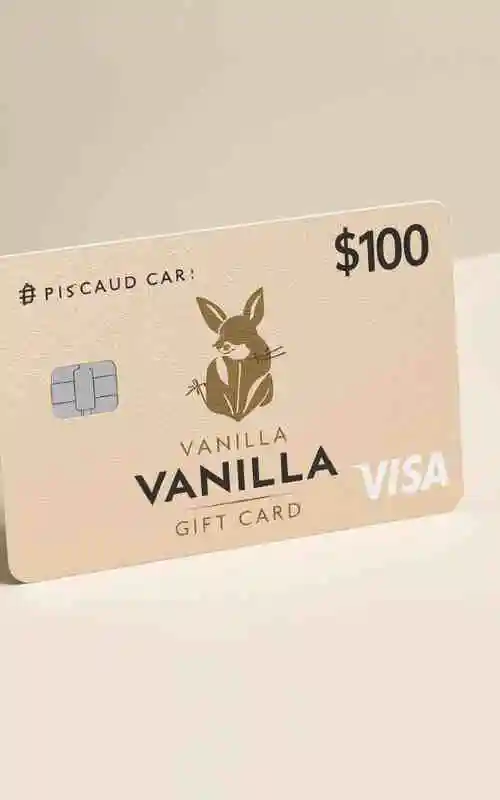
$100 Vanilla Gift Cards | Buy Online for Instant Access
How To Use $100 Vanilla Gift Cards?
Physical Cards: Most cards bought in a store are activated by the cashier at the moment of purchase. If it doesn’t work immediately, check the back for a sticker with a website (e.g.,
vanillagift.com) to verify activation.Online/eGift Cards: These are usually ready to use once received.
Registration (Crucial for Online Shopping): To use the card for online purchases, visit the Vanilla website to register your Zip Code. Most online checkouts require a Zip Code match for security; without this, your $100 transaction will likely be declined.
More: $100 Door Dash Gift Cards Online
In-Store
Swipe/Insert: Use it at the card terminal just like a credit card.
Select “Credit”: If asked, choose “Credit” so you don’t need a PIN.
Using a PIN: If you prefer to use it as “Debit,” you can usually set a 4-digit PIN during your first transaction at the terminal.
Split Tender: If your total is over $100, tell the cashier exactly how much is on the card ($100) first, then pay the remainder with another method.
Online
Payment Method: Select “Credit” or “Debit” at checkout (do not select “Gift Card”—that is only for the store’s own brand).
Enter Details: Use the 16-digit card number, expiry date, and the 3-digit CVV code on the back.
Billing Address: Use your own name but ensure the Zip Code matches the one you registered on the Vanilla website.
Digital Wallets (Apple/Google Pay)
Open your Wallet app and select “Add Credit/Debit Card.”
Scan or enter the Vanilla card details.
Note: Some Vanilla cards (especially older versions) may not support Apple Pay or Google Pay. If it’s rejected, you’ll need to use the physical card or enter the numbers manually online.
Check Balance: Always check your balance at vanillagift.com before shopping. If you try to spend $100.01 and only have $100.00, the card will be declined.
No ATM Access: You cannot use these cards to withdraw cash at an ATM.
Non-Reloadable: Once the $100 is gone, you cannot add more money to the card.