$100 Tcn Gift Cards | Shop 80+ Top Brands In-Store & Online

How To Claim $100 Tcn Gift Cards?
TCN cards are “themed” (like the Him, Her, Active, or Home cards) and can be used at various participating retailers in Australia.
1. If You Have a Digital Card (Email/SMS)
If you received your $100 gift card via text or email, follow these steps to activate and use it:
Open the Link: Click the link provided in the SMS or email.
Download the App: You will be prompted to download The Card Network app (available on iOS and Android).
Add to Wallet: Inside the app, select your card and tap “Add to Wallet.”
Pay In-Store: Use your phone to “Tap and Pay” at any participating retailer. It works just like a digital Mastercard or Visa.
Pay Online: If the card is an “Online” or “Mastercard” variant, view the card details (number, expiry, CVV) in the app and enter them at the retailer’s checkout.
2. If You Have a Physical Card
Physical TCN cards usually work like EFTPOS cards and do not always require “claiming” online before use, but they must be activated at the point of purchase (the store where you bought it).
In-Store Use: 1. Go to a participating retailer. 2. Swipe the card at the payment terminal. 3. Select “Savings.” 4. Enter the 4-digit PIN found under the scratch panel on the back of the card.
Online Use (Exchange Required): Many physical TCN cards cannot be used directly on retailer websites. You must first go to thecardnetwork.com.au, select your card type, and exchange the balance for a specific retailer’s e-gift card.
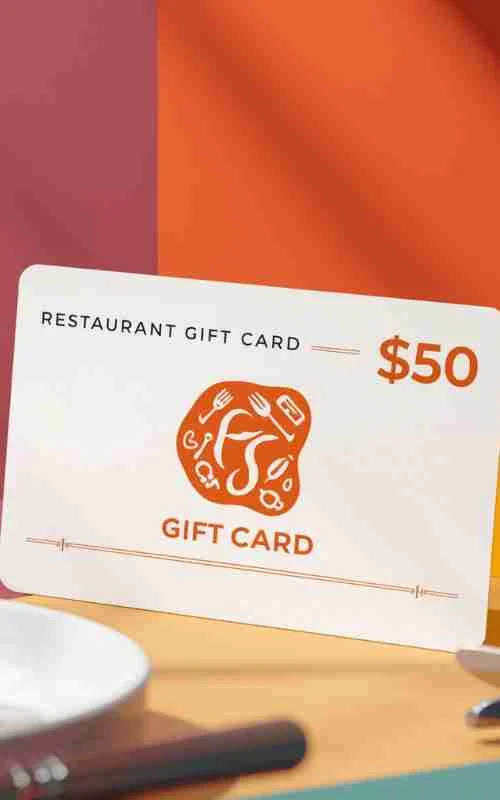
Enjoy More: $50 Restaurant Gift Cards Online
3. Check Balance and Retailers
Before you head to the shops, it is a good idea to verify your funds and see where you can spend them:
Check Balance: Visit tcndigital.gift or the specific website listed on the back of your card (e.g.,
activecard.giftorhomecard.gift).Find Retailers: TCN cards only work at specific partner stores. You can find the full list of participating brands by selecting your card type on The Card Network’s website.