Tango Gift Cards | Flexible Rewards & E-Gift Card Exchange
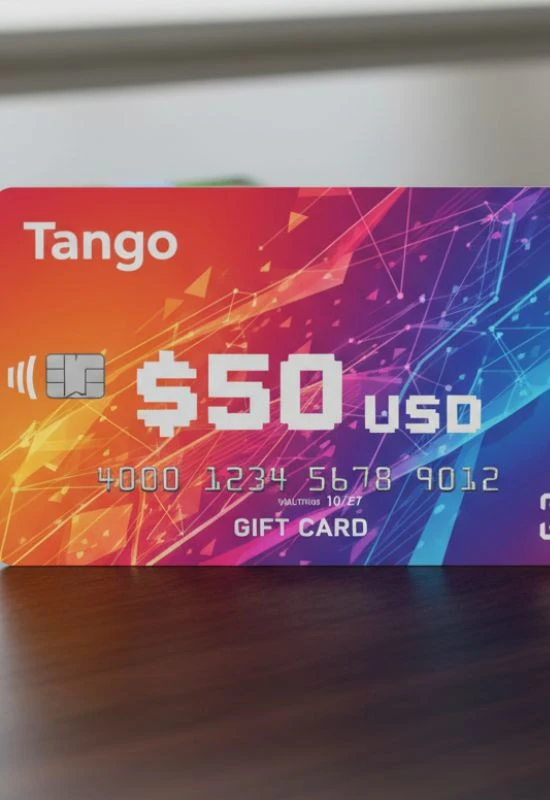
How To Use Tango Gift Cards?
Step 1: Access the Redemption Link
You will usually receive your Tango Card reward digitally, via email, known as a Reward Link.
Check Your Email: Look for an email from
noreply@tangocard.comor from the company that sent you the reward. Check your spam/junk folder if you can’t find it.Click the Link: Click the unique redemption link provided in the email. This link takes you to the Tango Card website (often called a “Reward Link” or “Reward Catalog”) where your balance is displayed at the top of the screen.
(Note: Once you click this link, the balance typically never expires, but you must click it to “activate” your reward.)
Step 2: Choose Your Retailer Gift Card
The Tango Card website presents you with a catalog of hundreds of popular brands you can exchange your credit for.
Browse the Catalog: Look through the available gift cards, which often include major names like Amazon, Target, Walmart, Starbucks, Home Depot, and many more.
Select Your Card(s): Choose the brand(s) you want. You do not have to spend the entire balance on one card—you can split your Tango credit across multiple retailer gift cards (e.g., use half for Amazon and half for Starbucks).
Enter Amount: Select the specific amount of credit you want to apply to each chosen retailer’s gift card.
Add to Cart: Click “Add to Cart” and proceed to checkout.
Step 3: Complete the Order and Receive Your New Card
This final step confirms the exchange and delivers your new gift card.
Checkout: Provide your name and the email address where you want to receive the final gift card(s).
Complete Order: Click “Complete My Order.”
Wait for New Email: You will receive a new email (or several, if you chose multiple cards) from Tango Card containing the e-gift card and PIN/code for the specific retailer you selected (e.g., a new Amazon Gift Card code).
Step 4: Use the New Card
You now use the new retailer gift card according to that retailer’s rules (online or in-store).
Example (Amazon): Go to Amazon.com and redeem the code sent in the second email to your Amazon balance.
Example (In-Store): If you chose a retailer like Target, you can often print the e-gift card or display the barcode on your phone to the cashier.
Key Points to Remember:
No Direct Use: You can never use the original Tango Card link or code directly at a store like Target or Amazon. You must complete the exchange first.
No Cash Option: Tango Cards cannot be redeemed for cash.
Visa Prepaid Option: You often have the choice to exchange your credit for a Visa Prepaid Card, which can be used almost anywhere Visa is accepted.