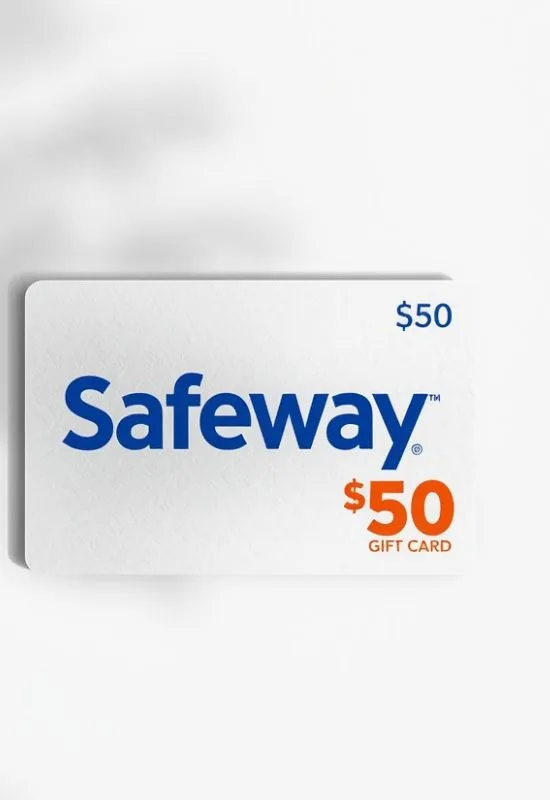
$50 Safeway Gift Cards | Groceries, Fuel Rewards, & Albertsons Stores
How To Use $50 Safeway Gift Cards?
1. Using the Card In-Store (Recommended)
This is the fastest and easiest method for both physical and eGift Cards.
Shop: Complete your shopping at Safeway or any affiliated store.
Present at Checkout:
Physical Card: Hand the card to the cashier, or swipe it yourself at the self-checkout terminal when prompted for payment.
eGift Card: Present a printout or the barcode on your phone screen for the cashier to scan. (If the cashier has trouble scanning the phone screen, be ready to provide the Card Number and PIN for manual entry.)
Complete the Transaction: The $50 balance will be applied directly to your purchase.
2. Using the Card for Online Purchases (Safeway.com)
You can also use the gift card when placing an order for pickup or delivery through the Safeway website or app (where available).
Place Your Order: Add all desired items to your cart on the Safeway website or app.
Proceed to Checkout: Navigate to the payment step.
Find Gift Card Option: Look for the option to pay with a Gift Card or enter a code.
Enter Details: Input the Card Number and the PIN (or security code) found on your card or eGift email.
Apply Balance: Apply the $50 to the total cost and finalize your purchase. If the order total is over $50, you’ll need to pay the remaining amount with another method.
Key Points for Maximizing Your Card:
Acceptance: The card is accepted at Safeway and all sister stores in the Albertsons Companies network (check the back of the card for the full list, which usually includes Albertsons, Vons, Jewel-Osco, Randalls, and Tom Thumb).
Combine with Deals: You can typically stack your gift card usage with Safeway’s weekly sales and digital coupons to stretch the $50 even further.
Balance Check: You can check the remaining balance on your card in-store at the customer service desk or by calling the toll-free number listed on the back of the card.