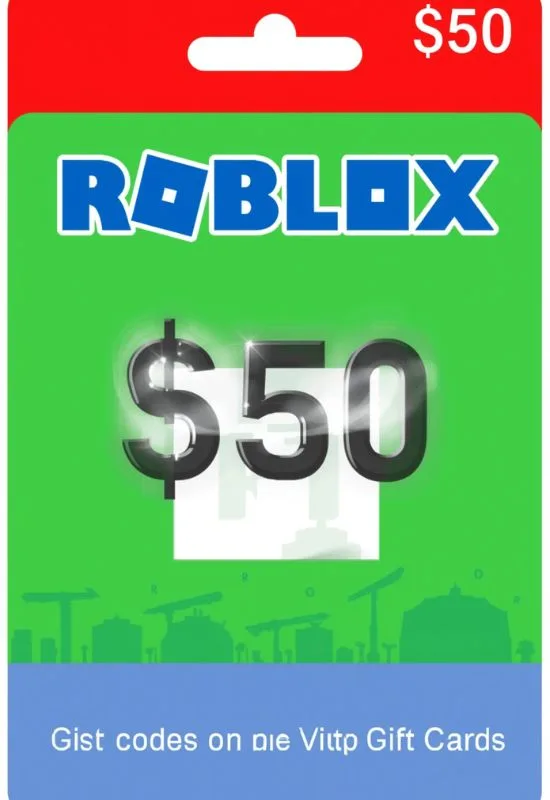
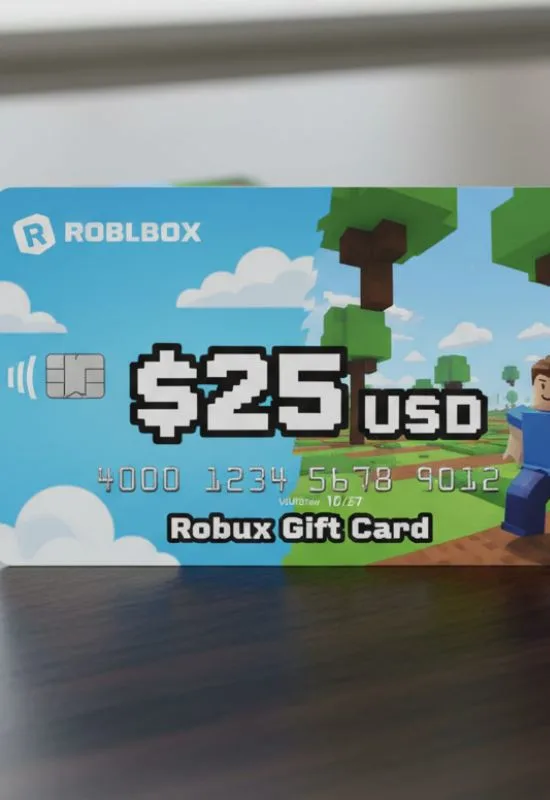
$25 Robux Gift Cards | Get 2,000 Robux & Exclusive Item
How To Use $25 Robux Gift Cards?
Step 1: Redeem the Gift Card PIN
You will redeem the gift card for Roblox Credit first, which is equivalent to the dollar value.2
Go to the Redemption Page: Open a web browser (on a computer or mobile device) and go to the official Roblox redemption site: roblox.com/redeem.
Log In: Log into the Roblox account where you want the Robux and the virtual item to be applied.3
Find the PIN: Locate the PIN code on your gift card.4 It is usually under a scratch-off area on the back of a physical card or in the email for a digital card.
Enter Code: Type or paste the PIN into the designated field.
Click Redeem: A success message should appear, and the $25.00 USD value will be added to your account as Roblox Credit.5
Receive Exclusive Item: At this point, the free virtual item that comes with every gift card redemption will be automatically granted to your account’s inventory.6
Step 2: Convert Credit to Robux
Now that you have $25 in credit, you need to convert it into the virtual currency, Robux (R$).
Stay on the Redemption Page: Under the successful redemption message, you should see your available credit balance.
Select Conversion: You can choose to use the credit to buy Robux or a Premium Membership.7 To convert to Robux, click the “Convert Credit to Robux” or “Get Robux” button.8
Choose the Package: The $25 credit will allow you to select the Robux package closest to that value.
Typically, a $25 purchase currently gives you 2,000 Robux.9 (Note: This package value can sometimes change slightly or vary by region, and you often get a better rate converting credit on the website than buying directly in the mobile app.)10
Confirm Purchase: The selected Robux package will be paid for entirely by your $25 Roblox Credit.
Enjoy: Your Robux balance will be updated, and you can now use the R$ to buy items, game passes, and other virtual goods in any Roblox experience!
Quick Reminders:
Browser Only: Redemption must be done via a web browser, not the Roblox app.11
Credit First: The card gives you credit, and you then choose to spend the credit on Robux or Premium.12
Free Item: You get a unique virtual item upon redemption, and this item is different every month!13