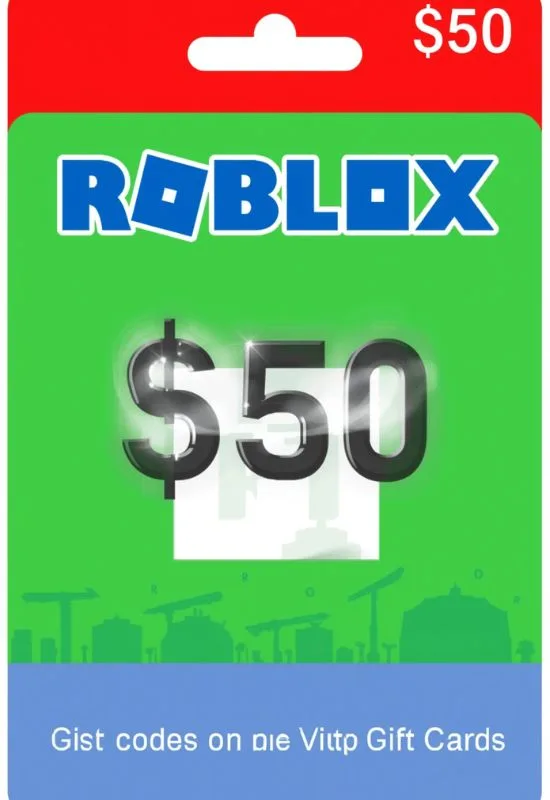
Roblox Gift Cards Code $50 | Instant Redemption for Robux or Premium
How To Use Roblox Gift Cards Code $50?
That $50 Roblox Gift Card code is ready to unlock Robux or a Premium subscription for your account! The redemption process must be done through a web browser, as you cannot redeem gift card codes directly within the Roblox game client.
Here is the complete guide on how to redeem your $50 code:
Step-by-Step Redemption Guide:
Step 1: Find the PIN/Code
You need the PIN (usually a 10- or 12-digit code) that is associated with the card.
Physical Card: The PIN is located on the back of the card, usually concealed under a silver scratch-off panel. Gently scratch the panel to reveal the code.
Digital Card (eGift): The PIN will be clearly listed in the email or digital delivery file you received.
Step 2: Go to the Roblox Redemption Page
Open a web browser (on a computer or mobile device) and go to the official redemption site: roblox.com/redeem
Log in to the Roblox account where you want the $50 value to be applied.
Step 3: Enter the Code
Enter the PIN you revealed in Step 1 into the “Enter PIN” field.
Click the blue “Redeem” button.
Step 4: Confirm Your Credit
The $50 value will now be confirmed and successfully added as Roblox Credit to your account. You will see a confirmation screen showing the new credit balance.
Step 5: Convert Credit to Robux or Premium
Once the credit is applied, you must use it to purchase Robux or a Premium subscription.
Option A: Purchase Robux (Best Value for $50)
Click the blue button that says “Convert Credit to Robux” (or navigate to the Robux purchase page).
Select a Robux package that fits your $50 credit.
Since $50 usually converts to 4,500 Robux (or more, depending on promotions or if you also purchase Premium), select the closest package.
On the payment screen, select “Roblox Credit” as your payment method.
Confirm the transaction. The Robux will be added to your account immediately.
Option B: Purchase a Premium Subscription
Navigate to the Roblox Premium page.
Select the desired Premium tier (e.g., Premium 450, 1000, or 2200).
Choose your billing cycle (monthly or yearly).
On the payment screen, select “Roblox Credit” to pay using your $50 balance.