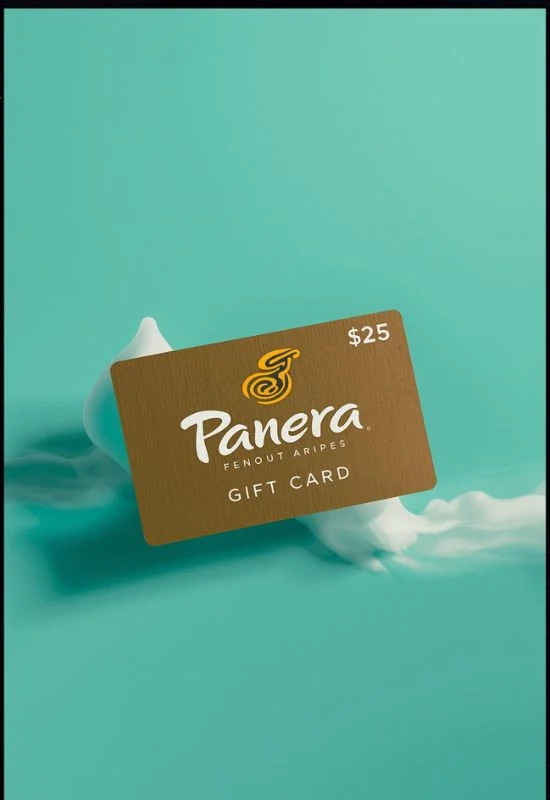
Panera Gift Cards | Use In-Cafe, Drive-Thru, and for App Mobile Orders
How To Use Panera Gift Cards?
Option 1: Redeem Online (App or PaneraBread.com)
This method is perfect for Rapid Pick-Up or Delivery orders. You will need the Gift Card number and the 4-digit PIN.
Shop & Checkout: Place your order on the Panera website or in the mobile app and proceed to the checkout screen.
Select Payment: On the payment page, look for the option to “Add a Gift/Bonus Card” or “Add Your Card.”
Enter Details:
Enter the full Gift Card Number.
Enter the 4-digit PIN (found on the back of the physical card, usually under a scratch-off area, or in the e-gift card email).
Apply: Click “Add Your Card” or “Apply.” The balance will be applied to your order total.
Finalize: If your order total is higher than the gift card balance, you will need to pay the remaining amount with another payment method (credit/debit card).
Tip: You can use the gift card to pay for an Unlimited Sip Club subscription’s monthly or annual fee by adding it as a saved payment method in the Subscription Management section of your MyPanera account.
Option 2: Redeem In-Cafe or Drive-Thru
This method is fast and works at any participating U.S. Panera Bread bakery-cafe.
Place Your Order: Order at the counter, the drive-thru, or the self-service kiosk.
Present Card:
Physical Card: Hand the gift card to the cashier to swipe.
Digital Card: Present the digital barcode and/or card number on your mobile device to the cashier.
Complete Purchase: The balance on the card will be applied to your purchase total.
Key Facts About Panera Gift Cards:
No Expiration or Fees: Panera Gift Cards do not expire and do not carry service fees.
Reloadable: You can add more money to your card (reload it) in the cafe or online.
Exclusions: They generally cannot be used to purchase other gift cards.
Balance Check: You can check the balance online on the Panera website or by calling 1-877-218-5366.