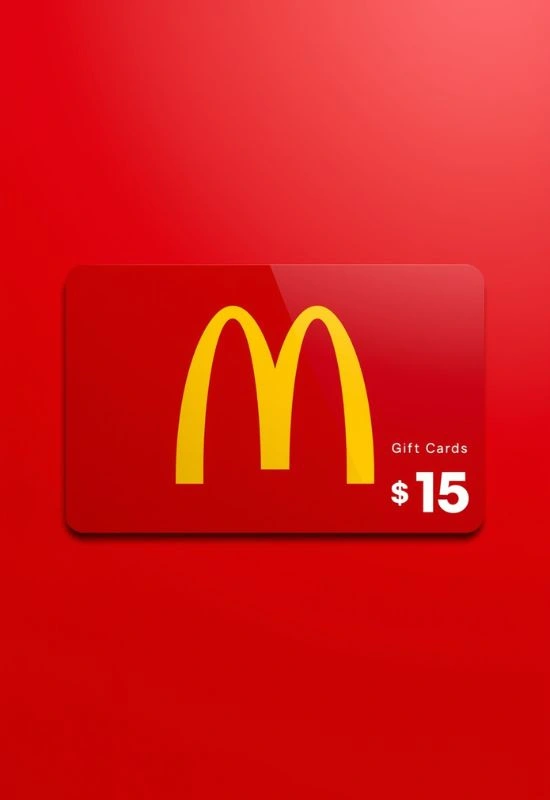
Mcdonalds Gift Cards $15 | How to Use for Mobile Orders & In-Store
How Tu Use Mcdonalds Gift Cards $15?
This is the most reliable way to use your card for any purchase, including food, drinks, and meals.
Order Your Food: Place your order at the counter, the drive-thru, or the self-service kiosk.
Present Card:
At the Counter/Drive-Thru: Hand the physical card to the crew member to swipe or scan.
At the Kiosk: If using a self-service kiosk, follow the on-screen instructions to select “Gift Card” as your payment method and swipe the card when prompted.
Complete Purchase: The $15 balance will be applied to your total. Any remaining balance stays on the card for your next visit.
Using the McDonald’s App (For Deals):
While the McDonald’s App is great for deals and MyMcDonald’s Rewards, you generally cannot use the Arch Card as a payment method within the app for mobile orders at this time.
However, you can use the app to lock in deals and pay in-store:
Build Your Order & Apply Deals: Open the McDonald’s App, select your desired location, and build your order, making sure to apply any rewards or deals.
Select “Pay at Restaurant”: When checking out in the app, select the option to “Pay at Restaurant” (or similar wording). This confirms your order and saves the total with the deals applied.
Go to the Counter/Drive-Thru: When you arrive, tell the crew member you have a mobile order and you want to pay.
Pay with Gift Card: Present your $15 gift card to the crew member to complete the transaction and apply the payment.
Quick Facts About Your Card:
No Expiration: McDonald’s Arch Cards do not expire and do not carry service fees.
Balance Check: You can check the remaining balance on your card at the counter of any participating McDonald’s restaurant or online at the McDonald’s Arch Card website.