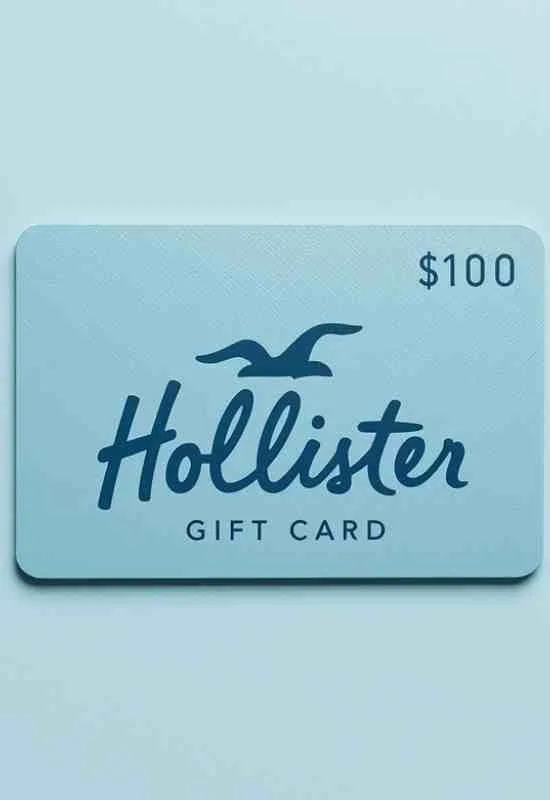
$100 Hollister Gift Cards | Trendy Apparel Gifts for Teens & Style
How To Use How To use $100 Hollister Gift Cards?
Here is the step-by-step guide for both methods:
1. Using the Gift Card Online (HollisterCo.com)
You will need two pieces of information from your gift card:
16-Digit Card Number: The main number on the card or in the e-gift email.
PIN: The 4-digit Personal Identification Number, often found under a scratch-off area on the back of a physical card or clearly stated with a digital card.
Online Steps:
Shop: Add the items you want (up to or exceeding $100) to your shopping bag on HollisterCo.com.
Proceed to Checkout: Go to your bag and begin the checkout process.
Payment Section: On the final payment page (where you enter credit card details), look for the field labeled “Hollister Gift Card Number” or “Use a Gift Card” under the Secure Payment section.
Enter Details: Enter the 16-Digit Card Number and the PIN.
Apply: Click the “Apply Gift Card to Order” button. The $100 balance will be deducted from your order total.
Finalize: If your total is more than $100, you will be prompted to pay the remaining balance with another payment method (credit card, PayPal, etc.).
Tip: Hollister allows you to use up to three (3) gift cards per transaction online.
More: $100 Airbnb Gift Cards
2. Using the Gift Card In-Store
This method is the quickest and works for both physical plastic cards and digital e-gift cards.
Shop: Collect your clothes at any Hollister Co. store.
Checkout: When you are ready to pay, present the gift card to the cashier.
Physical Card: Hand over the plastic card for the cashier to swipe.
Digital/eGift Card: Present your phone showing the barcode and/or the 16-digit card number and PIN to the cashier for them to scan or manually enter.
Complete Purchase: The cashier will process the card. If the total is less than $100, the remaining balance stays on the card. If it’s more, you pay the difference.
Check Your Balance Before You Shop
It’s a good practice to check your balance first:
Online: Visit the HollisterCo.com website and look for the “Gift Card Balance” or “Balance Inquiry” link in the Help or FAQ section. You’ll enter the 16-digit card number and PIN.
Phone: Call the customer service number listed on the back of the card (often 1-888-632-8906).