$25 Gift Cards Visa | The Ultimate Flexible Gift | Claim Yours
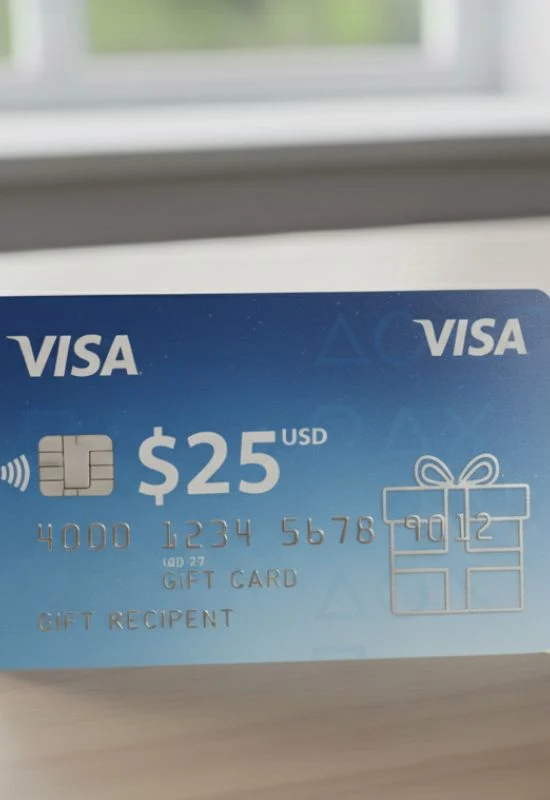
How To Use $25 Gift Cards Visa?
1. Activation and Registration (Essential for Online Use)
Even if the card was activated at the time of purchase, you must often register a billing address with the card issuer to use it online successfully.
Find the Issuer Info: Look on the back of the card, the packaging, or the accompanying materials for the website address and/or customer service number.
Register Online: Go to that website and find the section to Activate or Register your card. You will need:
The 16-Digit Card Number
The Expiration Date and CVV (3-digit code on the back)
Your Name and Billing Address (including ZIP/Postal Code).
Critical Note: The name and address you register here are the ones you must use when paying online.
2. Check Your Balance
Since the value is only $25, it is critical to confirm the exact balance before shopping. Use the website or phone number from Step 1 to verify the remaining funds.
3. Making Purchases
You can use the card anywhere that accepts Visa debit cards.
Online Purchases:
Checkout: Proceed to the payment screen on any online store.
Select Payment: Choose Credit Card or Debit Card as the payment type. Do NOT select “Gift Card.”
Enter Card Details: Input the $25 Visa Gift Card details.
Billing Address Match: Enter the exact billing address (including the ZIP code) that you registered in Step 1. This is the number one reason these cards fail online.
Important: Ensure your total purchase, including shipping and tax, is $25 or less. If the total is even slightly over $25, the transaction will be declined unless the merchant supports split payments (see tip below).
In-Store Purchases:
Pay: Swipe, tap, or insert the card at the point-of-sale terminal.
Select Payment: Run the transaction as “Credit.” (If prompted for a PIN, press cancel and try again as “Credit.”)