$25 Amazon Gift Cards Australia | 3-Year Minimum Expiry & Top Retailers
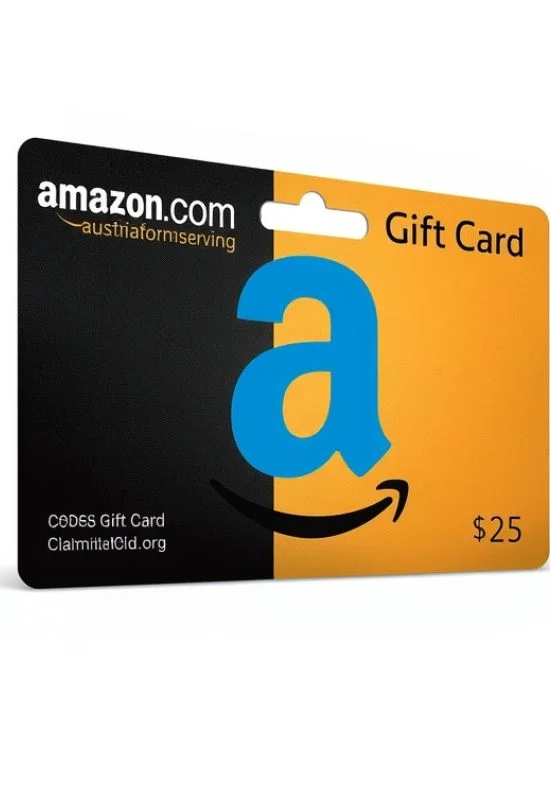
How To Use $25 Amazon Gift Cards Australia?
That’s a great $25 AUD to spend! Redeeming your Amazon Australia Gift Card is very simple and the best way is to load the funds directly onto your Amazon.com.au account balance.
Once redeemed, the $25 balance is automatically available for your next eligible purchase and never expires.
Step-by-Step Redemption on Amazon.com.au
You need the Claim Code from your gift card to complete this process.
Step 1: Locate the Claim Code
Physical Card: The code is typically a 14- or 15-character alphanumeric code. You usually need to gently scratch off a silver panel or peel off a sticker on the back of the card to reveal it.
eGift Card: The code will be clearly displayed in the email or digital delivery you received. The email may also have a direct button that says “Apply to Your Account”—clicking this is the fastest option.
Step 2: Redeem the Code
Visit the Amazon Australia website: amazon.com.au (or open the Amazon mobile app).
Log in to your Amazon.com.au account.
Go to the dedicated redemption page: amazon.com.au/redeem.
Enter the Claim Code into the box provided (dashes are not required).
Click “Apply to Your Balance.”
Confirmation:
You will receive an instant confirmation that the $25 AUD has been added to your Amazon.com.au Balance.
How to Use the Balance:
Once the $25 is applied, it works like cash for your shopping:
Automatic Payment: The balance will be automatically applied to your next eligible order during the checkout process.
Partial Payment: If your purchase is more than $25, the gift card balance will be used first, and the remainder will be charged to your default payment method (e.g., credit card).
Saving the Balance: If you don’t want to use the balance on a specific purchase, you can uncheck the box next to the “Use your Amazon Balance” option on the payment page during checkout.