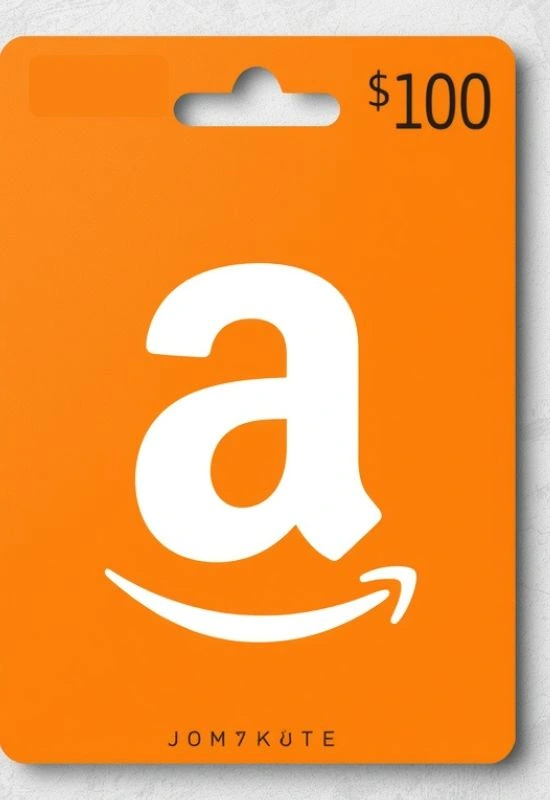
$100 Amazon Egift Card | Instant Delivery & Easy Redemption for Any Occasion
How To Use $100 Amazon Egift Card?
1. Locate the Claim Code
You need the unique Claim Code to redeem the gift card.
eGift Card: Check the original email or text message you received. The message will either contain a direct link (e.g., “Click to redeem”) or a 14- or 15-character Claim Code (usually a mix of letters and numbers).
2. Apply the Balance to Your Account (Recommended)
This is the easiest method, as the $100 will be ready to use immediately for any future purchase.
On a Web Browser (Desktop or Mobile)
Go to the Redemption Site: Visit
www.amazon.com/gc/redeemSign In: Log in to the Amazon account you want the $100 credit added to.
Enter the Code: Type or paste the Claim Code into the field.
Apply to Your Balance: Click the “Apply to Your Balance” button.
If you clicked the direct link in the email, you might just need to confirm to apply the balance.
On the Amazon App:
Open the App: Tap the Amazon Shopping App icon.
Go to Account: Tap the Profile/Person icon (usually at the bottom).
Find Payments: Scroll down to the “Payments” section and select “Manage gift card balance” (or just “Gift Cards”).
Redeem: Tap “Redeem another gift card” and enter the Claim Code (dashes are not required).
Tap “Apply to your balance.”
3. How to Spend the $100
Once the $100 is applied, the funds are automatically used as your primary payment source for eligible orders:
Automatic Use: When you check out, the $100 Gift Card balance will be automatically applied to cover the cost of your purchase (including shipping and tax).
Balance Check: You can see your remaining balance at any time by going to the “Gift Cards” section under “Your Account” on the Amazon website or app.