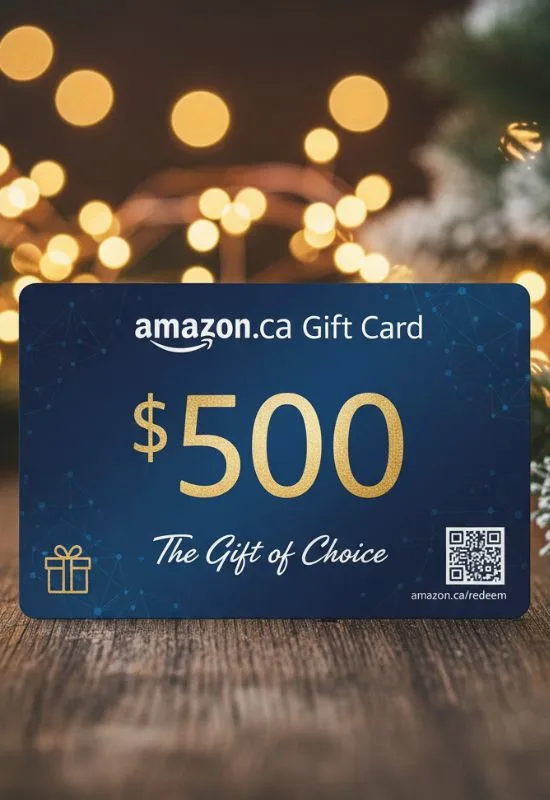
$100 Amazon E Gift Cards | Instant Delivery for Anything & Everything
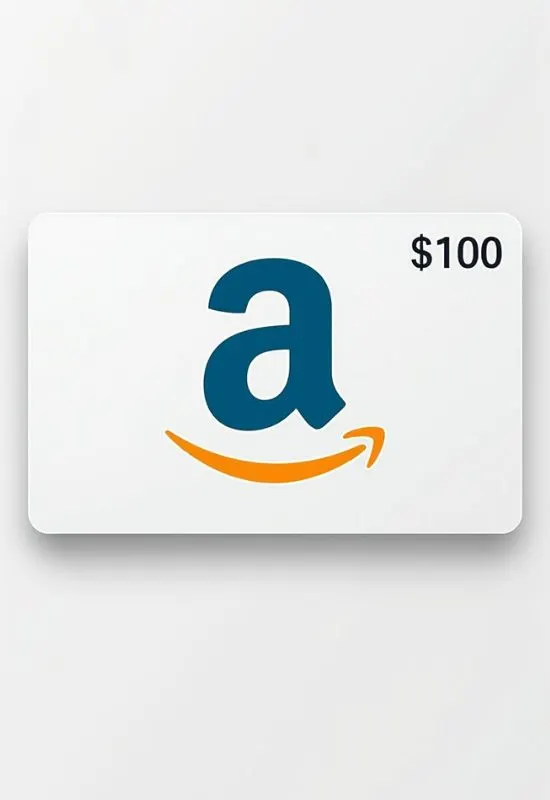
How To Redeem $100 Amazon E Gift Cards?
1. Locate the Claim Code
Check your Email: Look for the original email (or text message) that contains the Amazon eGift Card.
Find the Code/Link: The email will contain either:
A direct link (e.g., “Click to redeem”) that automatically applies the gift card to your account once you sign in.
A unique Claim Code (usually 14 or 15 characters, often containing letters and numbers).
2. Redeem on the Amazon Website (Desktop/Mobile Browser)
This is the most common and direct method:
Go to the Redemption Page: Open your web browser and go to
www.amazon.com/gc/redeemSign In: Log in to the Amazon account where you want the $100 credit to be applied.
Enter the Code: Type or paste the Claim Code into the designated field (dashes are usually not required).
Apply to Your Balance: Click the “Apply to Your Balance” button.
If you clicked the link in the email, you might just need to confirm to apply the balance.
The $100 will be instantly added to your Amazon Gift Card Balance.
3. Redeem Using the Amazon App
Open the App: Launch the Amazon Shopping App on your phone.
Go to Your Profile: Tap the Profile/Person icon (usually near the bottom).
Navigate to Payments: Scroll down to the “Payments” section and tap “Manage gift card balance” (or just “Gift Cards”).
Redeem: Tap “Redeem another gift card”.
Enter the Code: Manually enter your Claim Code, or use the camera to scan the code if you have it displayed on another screen.
Tap “Apply to your balance.”
What to Expect After Redemption
Instant Credit: The $100 balance is usually available for shopping immediately.
Automatic Use: When you check out for an eligible purchase, the gift card balance will be automatically applied first, before charging any credit cards you have on file.
No Expiration: Amazon Gift Card balances typically do not expire.