Dunkin Donuts Gift Cards $100 | Use In-Store, Drive-Thru, and Load to Dunkin’ App
How To Use Dunkin Donuts Gift Cards $100?
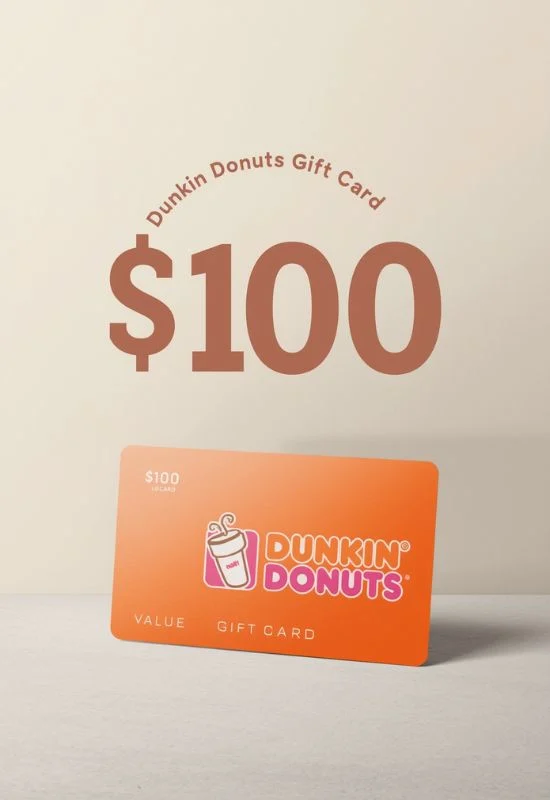
That’s a fantastic $100 for coffee and treats! Dunkin’ Gift Cards (often referred to as DD Cards) are extremely convenient and can be used both in-store and through the Dunkin’ mobile app.
Here is a complete guide on how to use your $100 Dunkin’ Gift Card:
Option 1: Using the Card In-Store or Drive-Thru
This is the fastest method for immediate use.
Place Your Order: Tell the crew member your order for coffee, donuts, sandwiches, or any merchandise.
Present Card:
Physical Card: Hand the physical DD Card to the crew member to swipe or scan.
e-Gift Card: Present the digital gift card on your phone (barcode and card number) to the crew member for them to scan or manually enter the details.
Apply Balance: The $100 balance will be applied to your purchase. If the order is less than $100, the remaining amount stays on the card.
Option 2: Loading the Card to the Dunkin’ App (Recommended)
Loading the card into the Dunkin’ App allows you to pay securely with your phone, order ahead, and earn rewards through the Dunkin’ Rewards program.
Download the App: Download the Dunkin’ App and sign up for a Dunkin’ Rewards account.
Navigate to Payment: In the app, go to the “Pay” or “My Cards” section (sometimes found under the profile/menu icon).
Add a Card: Look for the option to “Add a New Card” or “Add a Gift Card.”
Enter Details:
Carefully enter the 16-digit Card Number.
Enter the 8-digit PIN/Security Code (found on the back of the physical card, often under a scratch-off strip, or in the e-gift card email).
Load Balance: The full $100 balance will be digitally transferred from the physical card to your Dunkin’ App balance. You can now throw away the physical card (or save it just in case).
How to Use the App Balance:
Mobile Order & Pay: Use the stored balance to pay for mobile orders placed ahead of time for fast pickup.
Scan & Pay In-Store: When at the register, select the “Scan” option in the app to generate a barcode/QR code. The crew member scans this code to deduct the payment from your $100 balance.