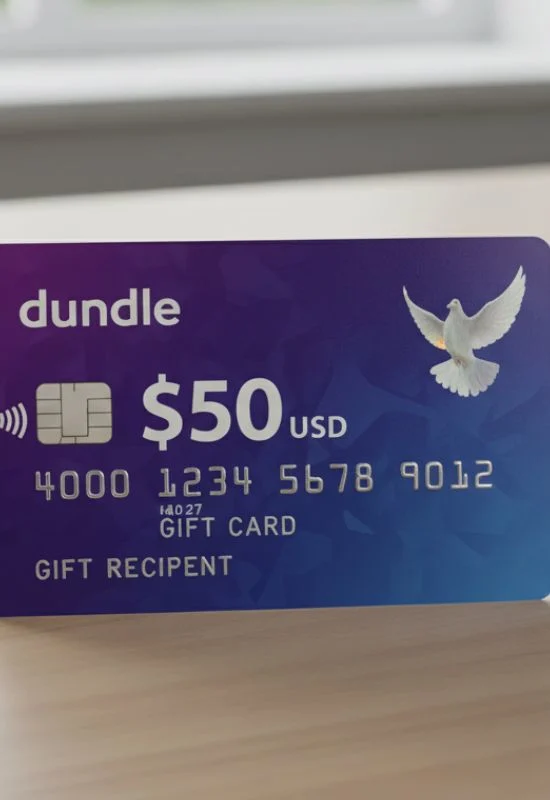
$50 Dundle Gift Cards | Safe, Fast & Digital Payments
ByAliza R.
How To Use $50 Dundle Gift Cards?
1. Identify the Specific Brand
Look at the email or order confirmation you received from Dundle. It should clearly state what product the $50 code is for. Examples include:
$50 Amazon Gift Card
$50 Steam Wallet Card
$50 Xbox Gift Card
$50 Netflix Gift Card2
2. Redemption Steps
Once you know the brand, you must redeem the code on that brand’s official platform.
| If your $50 Dundle Code is for… | General Steps to Use the Code |
| Amazon | Go to amazon.com/gc/redeem, sign in to your account, and enter the code to add $50 to your Amazon balance. |
| Steam | Open the Steam client, go to Games > Redeem a Steam Wallet Code, and enter the code to add $50 to your Steam Wallet balance. |
| Xbox/Microsoft | Go to redeem.microsoft.com, sign in, and enter the 25-character code to add $50 to your Microsoft/Xbox account balance. |
| Netflix | Go to netflix.com/redeem, sign in, and enter the code to add $50 in service credit to your Netflix account. |
| PlayStation Store | Open the PlayStation Store on your console or web browser, go to Redeem Codes, and enter the 12-digit code. |
Important: You cannot redeem the Dundle-purchased code on the Dundle website itself. You must use the code on the platform of the specific brand it is meant for.