15 Doordash Gift Cards | Use for Food Delivery & Pickup Orders
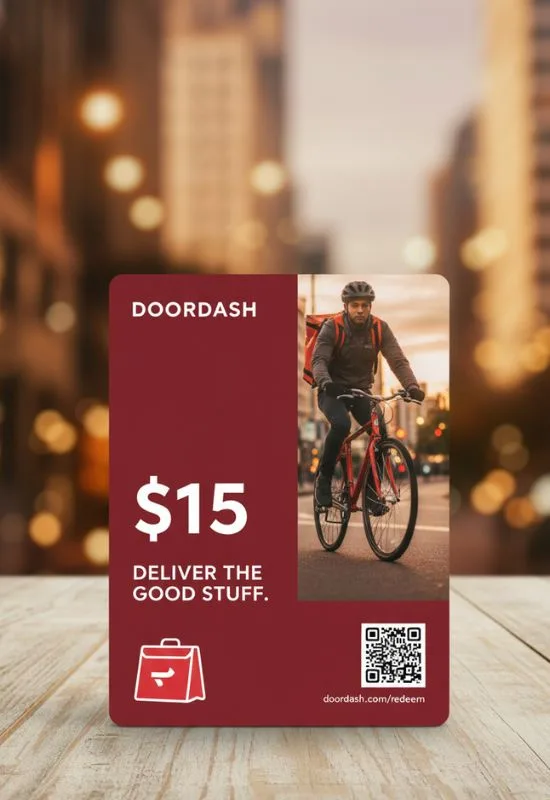
How To Use 15 Doordash Gift Cards?
You will need the 11-digit Gift Card PIN for each of your 15 cards.
Open DoorDash: Log in to the DoorDash app or visit DoorDash.com on a web browser.
Navigate to Account:
App: Tap the “Account” icon (or your profile picture) in the corner.
Website: Click the menu icon or your profile in the corner.
Go to Gift Cards: Look for the “Gift Card” option in the menu and tap/click it.
Redeem Code: Tap “Redeem” or find the field to “Enter your gift card PIN.”
Repeat for all 15 Cards:
Enter the 11-digit PIN from your first card.
Click “Redeem to your account.”
The balance will be confirmed and added.
Repeat this process 14 more times until all 15 cards are loaded onto your DoorDash balance.
Step 2: Use the Consolidated DoorDash Credit
Once all 15 cards are loaded, they function as one large credit balance.
Place Your Order: Browse restaurants and build your cart for pickup or delivery.
Proceed to Checkout: Go to the payment page.
Automatic Payment: The DoorDash system is designed to automatically prioritize and apply your stored DoorDash Credit to cover the cost of your food, delivery fees, service fees, and even the driver’s tip.
Complete Purchase: If the total order cost is less than your credit balance, the full amount of your credit will be used. If the order is more than the balance, you will be prompted to cover the remainder with a linked debit/credit card.
Why Loading is the Best Way:
Avoids Limits: While the exact limit on using multiple gift cards during a single checkout is sometimes debated (some sources suggest a limit, possibly 5), loading them all to your account balance bypasses this restriction entirely.
Convenience: You don’t have to keep track of 15 separate cards or their pins/balances.
Security: Your balance is tied to your account, not to a physical card that could be lost.