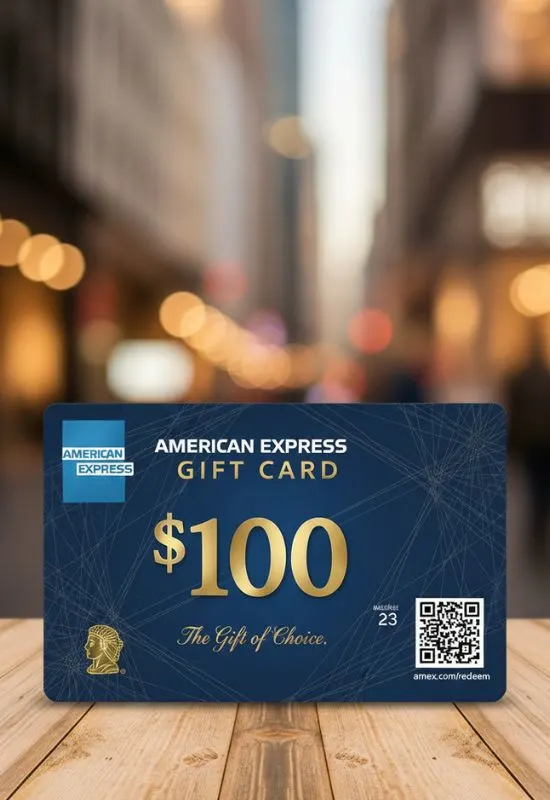
$100 Amex Gift Cards | Use Where American Express is Accepted Online & In-Store
How To Use $100 Amex Gift Cards?
1. Pre-Use Steps (Activation & Registration)
For a smooth online experience, especially, you should complete these two steps:
Activation: While many cards bought in a store are activated at the time of purchase, check the sticker or packaging for an activation URL (usually
amexgiftcard.com) or phone number.2 If activation is required, complete it first.Registration (Crucial for Online Use): For security, many online merchants check the billing address you enter against the card’s records. Since a gift card doesn’t have a personal billing address, you must register a ZIP code or postal code to the card online:3
Visit the official Amex Gift Card website (check the back of the card).4
Find the option to “Register Card” or “Register ZIP Code.”5
Enter the card details and link a valid ZIP/postal code (e.g., your home ZIP code) to the card.6
Use this registered ZIP code as the billing address for all online purchases.7
2. Using the Card Online
Treat the card like a credit card during checkout.8
Select Payment: When checking out on any site that accepts Amex (Amazon, Walmart, subscriptions, etc.), choose “Credit Card” or “Debit Card” as the payment method.9
Enter Details:
Card Number: Enter the 15-digit number from the front.10
Expiration Date: Enter the month/year printed on the card.
CVV: Enter the 4-digit code (CID) printed on the front of the card (unlike other cards, the security code is on the front for Amex Gift Cards).11
Billing Address: Enter the name and billing address associated with the ZIP code you registered in Step 1.
Finalize: The $\$100$ will be deducted from your total.
Tip for Partial Payments (Declines): If you are trying to buy an item costing more than $\$100$, the transaction may be declined. To avoid this, tell the cashier (in-store) or use a “split payment” option (online, if available) to pay the exact $\$100$ balance with the gift card first, and then pay the remainder with another card.
3. In-Store Redemption
Shop: Take your items to the checkout.12
Swipe/Tap: Swipe the card or add it to your mobile wallet (Apple Pay, Google Pay) for contactless payment.13
Debit/Credit: Select the “Credit” option if prompted (no PIN is typically required for most purchases, but some terminals like gas pumps might ask for a PIN—if so, you may need to set one up online first).14
Key Card Facts:
Fees: There is usually an upfront purchase fee when buying the card (e.g., $5.95 to $6.95 for a $100 card), but there are no fees after purchase (no maintenance or dormancy fees).15
Expiration: The funds do not expire.16 However, the plastic card itself has a “valid-thru” date.17 If that date passes, you must contact Amex Customer Service to get a replacement card with the remaining balance free of charge.18
Exclusions: Amex Gift Cards cannot typically be used for recurring monthly payments (like auto-renewing subscriptions) or for ATM cash withdrawals.19