$25 Amazon Gift Cards Buy | E-Gift Vouchers & Physical Cards
How To Use $25 Amazon Gift Cards Buy?
Step 1: Find and Redeem the Claim Code
You will add the $25 value to your total Amazon Gift Card Balance.
Locate the Code: Find the 14- or 15-character Claim Code on your gift card.
Physical Card: It’s on the back, usually hidden under a scratch-off or peel-off strip.
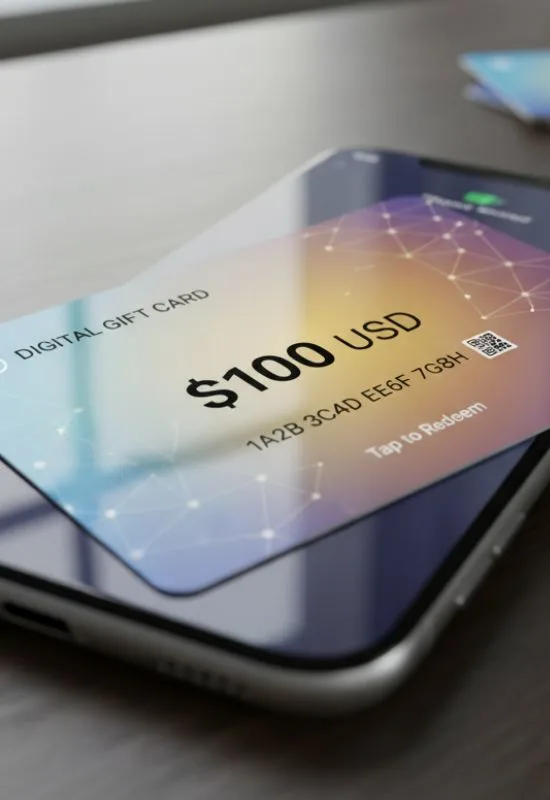
E-Gift Card: It’s in the email you received, often near a link that says “Redeem now.”
Note: Do not include any dashes or spaces when entering the code.
Log In: Go to the Amazon website or open the Amazon app and sign in.
Navigate to Gift Cards:
On the Website: Hover over “Account & Lists” and select “Gift Cards.”
In the App: Tap the Menu icon (three lines), then “Account,” then “Manage gift card balance.”
Enter Code: Click “Redeem a Gift Card” or “Redeem another gift card.” Enter your Claim Code and click “Apply to your balance.”
Your account’s gift card balance will immediately reflect the added $25.
Step 2: Shop and Checkout
Once the balance is loaded, it is automatically used for your purchases.
Shop: Add any eligible products (virtually everything on Amazon) to your cart.
Checkout: Proceed to the payment screen.
Automatic Application: The $25 from your Gift Card Balance will be the default payment method and will be deducted from your order total.
Finalize:
If your order is less than $25, the entire purchase is covered, and the remaining funds stay in your balance for next time.
If your order is more than $25, the $25 is used first, and you will be prompted to pay the small remaining balance using a credit card or another payment method.
Tip: If you want to save the $25 for a larger purchase later, you can uncheck the box next to the “Use your Amazon Gift Card balance” option during the final checkout step.