1000 Amazon Gift Cards UK | Digital Codes for Millions of Items
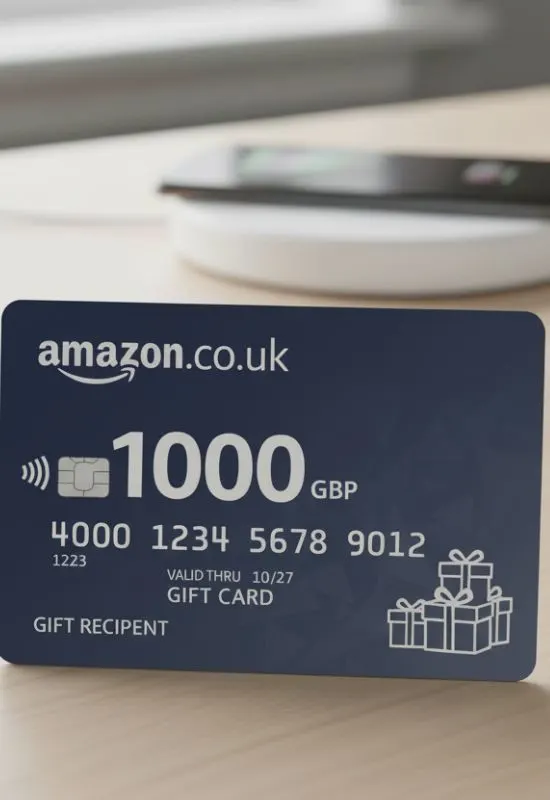
How To Use 1000 Amazon Gift Cards UK?
1. Locate the Claim Code
First, you need the unique alphanumeric Claim Code for the £1,000.
Physical Card: The code is usually found on the back of the card, often under a silver scratch-off panel.
eGift Card: The code will be listed clearly in the email or text message you received.
2. Redeem on the Amazon UK Website (Easiest Method)
This is the fastest and most common way to add the large balance to your account.
Go to the Redemption Page: Open your web browser and go to
www.amazon.co.uk/gc/redeemSign In: Log in to the Amazon.co.uk account where you want the credit applied. (Note: Amazon Gift Cards are country-specific, so you must use the UK site.)
Enter the Code: Type or paste the Claim Code (dashes are usually optional) into the box.
Apply to Your Balance: Click “Apply to your balance.”
The full £1,000 will be instantly added to your account’s Gift Card Balance.
3. Redeem Using the Amazon UK App
Open the App: Launch the Amazon Shopping App on your phone.
Go to Your Profile: Tap the “Account” or “Profile” icon (usually in the bottom bar).
Navigate to Payments: Scroll down to the “Payments” section and select “Manage gift card balance” (or just “Gift Cards”).
Redeem: Tap “Redeem another gift card”.
Enter/Scan: Manually enter your Claim Code, or use the camera to scan the code if you have a physical card or the code displayed on another screen.
Tap “Apply to your balance.”
What to Expect After Redemption:
Instant Credit: The £1,000 is available immediately for shopping.
Automatic Payment: When you check out for an eligible purchase on Amazon.co.uk, the gift card balance is automatically used first before any credit or debit cards on file are charged.
Expiration: Amazon Gift Card funds added to your balance are generally valid for 10 years from the date of issue.