$50 Netflix Gift Cards | Stream Movies, Shows, and Originals Instantly
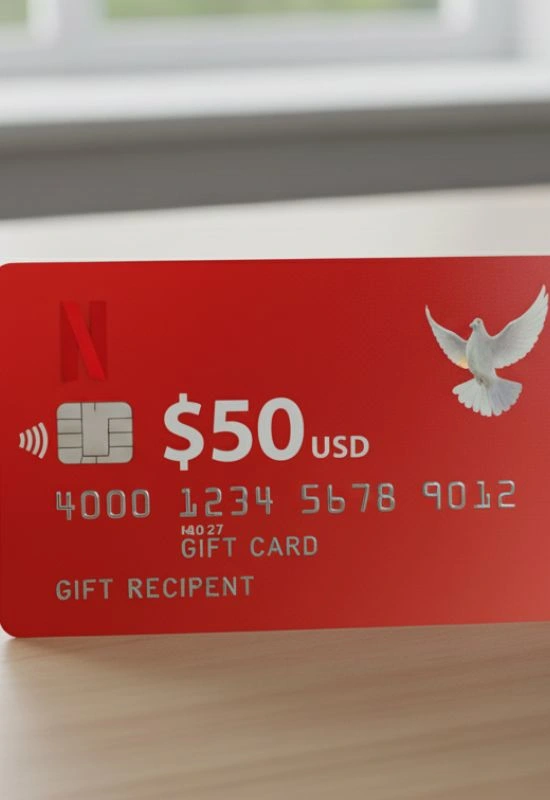
How To Use $50 Netflix Gift Cards?
1. Locate the PIN/Code
First, you need to find the unique code:
Physical Card: If you have a physical card, scratch off the silver coating on the back to reveal the 11-digit PIN (the number underneath is usually the card number, but you need the code/PIN).
Digital Card (eGift): The code will be clearly listed in the email or text message you received.
2. Go to the Netflix Redemption Page
You must redeem the code on a web browser, as you usually cannot do this directly within the Netflix TV app.
Open your browser (on a computer or phone) and go to the official redemption site:
www.netflix.com/redeemSign In: If you aren’t already logged in, sign in to the Netflix account you want to apply the $50 credit to.
3. Enter the Code
Enter the 11-digit PIN from your gift card into the box provided.
Click the “Redeem” button.
4. Confirm and Start Streaming
Netflix will display a confirmation screen showing the amount added to your account ($50).
The $50 will be instantly converted into Netflix credit. This credit will be used to pay for your subscription charges each month until the balance reaches zero.