$100 Uber Gift Cards | Rides, Eats, and Groceries Made Easy
How To Redeem $100 Uber Gift Cards?
1. Locate the Gift Code (PIN)
First, you need to find the unique gift code:
Digital Card: Check the email or text message you received. The code will be listed clearly (it’s often a long alphanumeric code).
Physical Card: Scratch off the silver foil area on the back of the card to reveal the code.
2. Redeem in the Uber or Uber Eats App
The process is identical in both apps:
Open the App: Launch the Uber or Uber Eats app on your smartphone.
Go to Account/Wallet:
In the Uber App, tap the “Account” icon (usually in the bottom right corner).
In the Uber Eats App, tap the “Account” icon (usually in the bottom right corner).
Select Wallet: Tap the “Wallet” or “Payment” option.
Add Funds/Gift Card:
You will see your Uber Cash balance. Tap “+ Add Funds” (or in some versions, “Add Payment Method”).
Select “Gift Card” from the list of payment options.
Enter Code: Type in the gift code exactly as it appears (do not use spaces).
Add/Save: Tap “Add” or “Save” to apply the $100 balance.
3. Using the $100 Credit
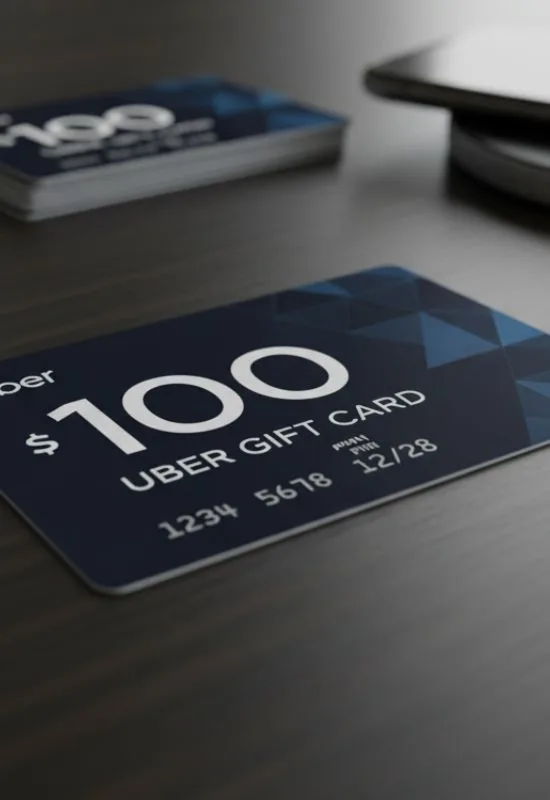
Once redeemed, the $100 is instantly added to your account’s Uber Cash balance.
Automatic Use: This balance will be automatically applied first toward the cost of your next ride or Uber Eats order.
Balance Check: You can always check your current Uber Cash balance in the Wallet section of the app.