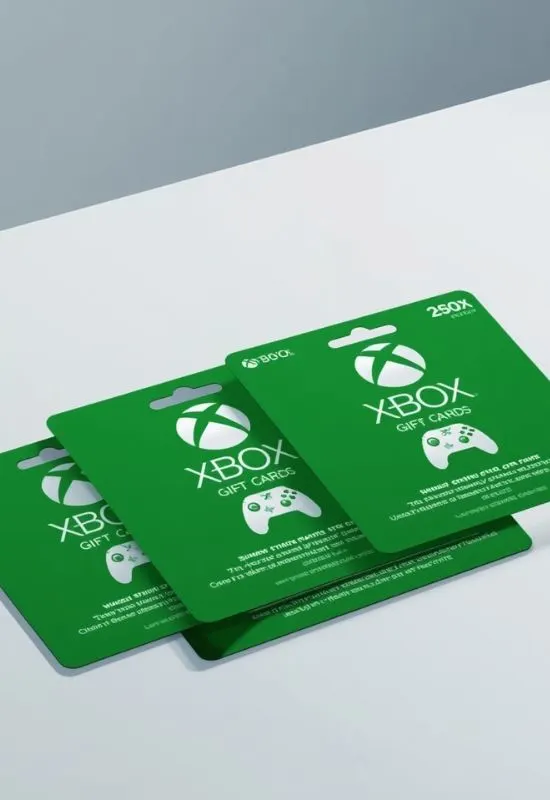
$100 Xbox Gift Cards | Games, Subscriptions, & More for PC & Console
How To Redeem $100 Xbox Gift Cards?
1. Redeem on the Web (Easiest Method)
This is the fastest way and works on any computer or mobile browser.
Go to the Redemption Site: Open your browser and go to
https://redeem.microsoft.comSign In: Sign in to the Microsoft account you want the $100 added to.4 This is crucial, as the funds cannot be transferred later.
Enter the Code: Enter the full 25-character code from your gift card (or digital code email).5
Confirm: Select Next and follow the prompts. The $100 will be instantly added to your account balance.
2. Redeem on Your Xbox Console (Series X|S or Xbox One)6
You can redeem the code directly on your console:7
Open the Guide: Press the Xbox button 8$\boxplus$ on your controller to open the Guide.9
Go to the Store: Navigate to and select the Store tab (it looks like a shopping bag).10
Find Redeem: Press the View button 11$\boxminus$ to open the side menu, and then select Redeem.12
Enter the Code: Enter the 25-character code using the on-screen keyboard, then select Next and follow the prompts.13
3. Redeem on a Windows PC (Microsoft Store App)
Open the Microsoft Store: Click the Start button 14$\boxplus$ on your PC, type “Microsoft Store,” and open the app.15
Go to Redeem: Click your Profile Picture in the top-right corner, and then select Redeem code or gift cards.16
Enter the Code: Enter the 25-character code, select Next, and confirm to add the credit.17
What Can You Buy with the $100?
Once redeemed, the $100 is available as balance in your Microsoft Account and can be used for:
Games: Full game downloads for Xbox and PC.18
Subscriptions: Xbox Game Pass (Ultimate, Core, or PC), and EA Play.
Add-ons: DLC, map packs, and in-game currency.
Media: Movies and TV shows from the Microsoft Store.19