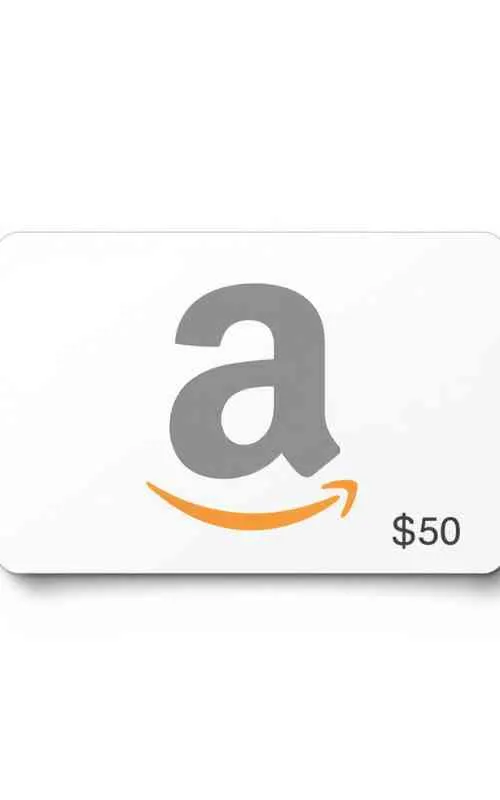
$50 Amazon Gift Cards | Perfect for Any Occasion
How To Use $50 Amazon Gift Cards?
Here is the step-by-step process for both the website and the mobile app.
1. Where to Find the Code
Physical Card: Look at the back of the card. You may need to gently scratch off a silver strip or peel off a tab to reveal the 14 or 15-character “Claim Code” (it contains both letters and numbers).
Digital/Email Card: Open the email from Amazon and look for the section that says “Claim Code” or click the “Apply to your Amazon account” button.
2. How to Redeem the Card
On the Amazon Website:
Go to Amazon.com/redeem.
Log in to your account if prompted.
Enter your Claim Code into the box.
Click Apply to your balance.
On the Amazon App:
Open the app and tap the Person icon (the profile tab at the bottom).
Scroll down to the Payments section and tap Manage gift card balance.
Tap Redeem another gift card.
You can either type the code or tap Scan your claim code to use your phone’s camera to read the back of a physical card.
3. How to Spend the $50
Once the money is in your account, it stays there forever (it does not expire).
Automatic Usage: When you go to checkout for an item, Amazon will automatically select your Gift Card Balance as the first payment method.
Partial Payment: If you buy something for $60, Amazon will use your $50 gift card and charge the remaining $10 to your credit card on file.
Saving the Balance: If you don’t want to use your $50 on a specific order, you can uncheck the “Use your $50.00 Gift Card balance” box on the final checkout screen.
More: $100 Costco Gift Cards
Important Tips
Regional Restrictions: Amazon Gift Cards are region-locked. A card bought in USD ($) can only be used on Amazon.com (USA). It will not work on Amazon.co.uk or Amazon.ca.
Buying Digital Goods: You can use your gift card for Kindle books and Prime Video rentals, but you often have to “redeem” the card to your balance first before “1-Click” buying will work.
Scam Warning: Never use an Amazon gift card to pay for anything outside of Amazon (like utility bills, taxes, or “lottery fees”). Amazon will never ask you to pay for services using a gift card over the phone.