$500 Visa Gift Card | | Buy Online with Instant Delivery
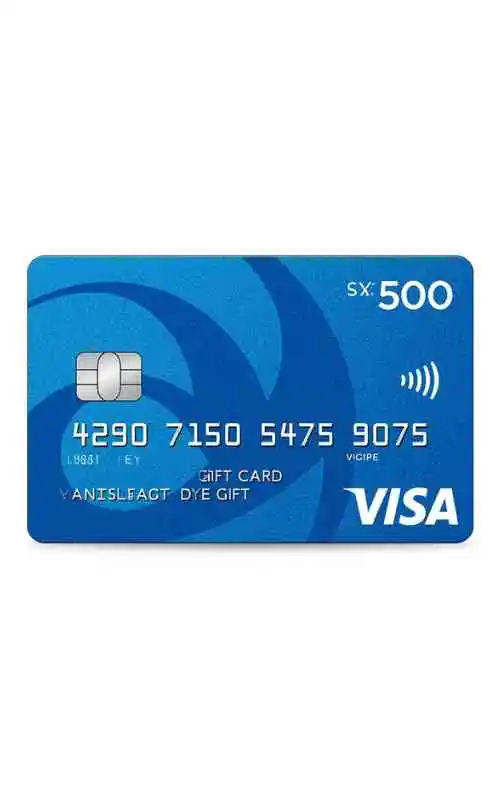
How To Use $500 Visa Gift Card?
1. First Step: Activate and Register (Crucial)
Activation: If you bought the card at a retail store (like Kroger or Target), the cashier usually activates it at the register. If it was bought online, you must follow the instructions on the sticker or the back of the card (usually visiting a website like
vanillagift.comormyprepaidcenter.com).Registration: For a $500 card, you must register it online with your name and Zip Code. Most online merchants (like Amazon or Best Buy) use an “Address Verification System” (AVS). If the Zip Code you enter at checkout doesn’t match the one registered to the card, the $500 transaction will be declined.
2. How to Use Online
Select “Credit” or “Debit”: Do not select “Gift Card” at checkout. Visa gift cards are treated like standard bank cards.
Enter Details: Use the 16-digit number, expiry, and the 3-digit CVV on the back.
Billing Address: Use your real name and the Zip Code you registered in Step 1.
Transaction Limits: Ensure your total (including shipping and tax) is exactly $500.00 or less. If the total is $500.01, the card will be declined immediately because it cannot “overdraft.”
3. How to Use In-Store
Swipe/Insert: Use it at the terminal. If it has a chip, insert it; otherwise, swipe.
Select “Credit”: This is the most reliable way to use the card. It won’t require a PIN.
Split Tender: If you want to buy something that costs more than $500 (e.g., a $600 TV), you must tell the cashier before they scan the card that you want to put exactly $500 on the Visa card and pay the remaining $100 with another method. The card cannot automatically detect that it should only take a partial amount.
4. Special Situations for $500 Cards
Gas Stations: Do not pay at the pump. Gas stations often place a “hold” of $100 or more on cards to ensure payment. If you have exactly $500 and they hold $100, you might only be able to spend $400. Always pay the cashier inside.
Restaurants: Be aware that restaurants often run a “pre-authorization” for 20% more than the bill to account for a potential tip. If your bill is $450, a 20% hold would be $540, causing your $500 card to be declined.
Hotels/Car Rentals: Avoid using gift cards for reservations. They place large holds that can “lock up” your $500 for days or even weeks.
More: $25 Amazon Gift Card
Pro-Tip: The “Amazon Workaround”
If you find the card is being declined at various websites, you can “liquidate” the card by going to Amazon and purchasing a $500 Amazon eGift Card for yourself using the Visa card as the payment method. This moves the $500 into your Amazon balance, where it will never expire and is much easier to spend.