$25 Shein Gift Cards | Trendy Fashion for Less
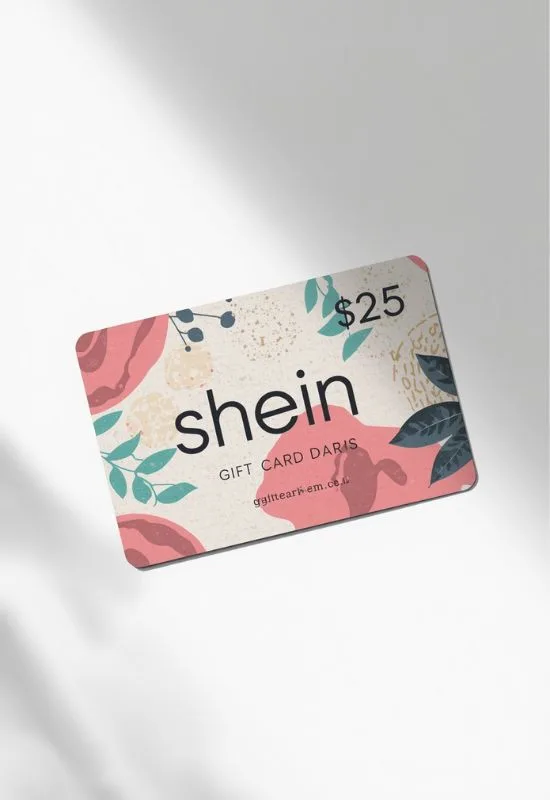
How To Redeem $25 Shein Gift Cards?
Visit Shein: Go to the official Shein website or open the SHEIN mobile app.
Sign In: Log in to your existing SHEIN account or create a new one.
Shop: Add all the items you wish to purchase to your shopping cart.
Go to Checkout: Proceed to your cart and click the “Checkout” button.
Find the Gift Card Option: On the checkout page (where you select your payment method), look for a section labeled “Gift Card,” “Add Gift Card,” or similar.
Enter Code and PIN:
Carefully enter the Gift Card Number (often 16 digits).
Enter the corresponding PIN or Secret Code (usually 4 digits).
These codes are typically found in the email or on the back of the physical card you received.
Apply: Click “Apply” or “Redeem.” The $25 value will be deducted from your order total.
Complete Purchase:
If your order total is less than $25, the remaining balance usually stays on the gift card for a future purchase.
If your order total is more than $25, you will need to select an additional payment method (like a credit card or PayPal) to pay for the remaining amount.
Alternative: Adding the Gift Card to Your SHEIN Wallet
You can also add the $25 balance to your SHEIN account (often called “My Assets” or “Wallet”) before you shop:
Go to Your Account: Sign in and navigate to your “Account” or “My Profile.”
Find Gift Card Section: Look for “My Assets” or “Wallet,” and then select “Gift Card.”
Redeem: Enter the Gift Card Number and PIN, and click “Redeem.” The balance will be added to your account.
Use at Checkout: When you check out, you can choose to use your SHEIN Wallet balance as the payment method.